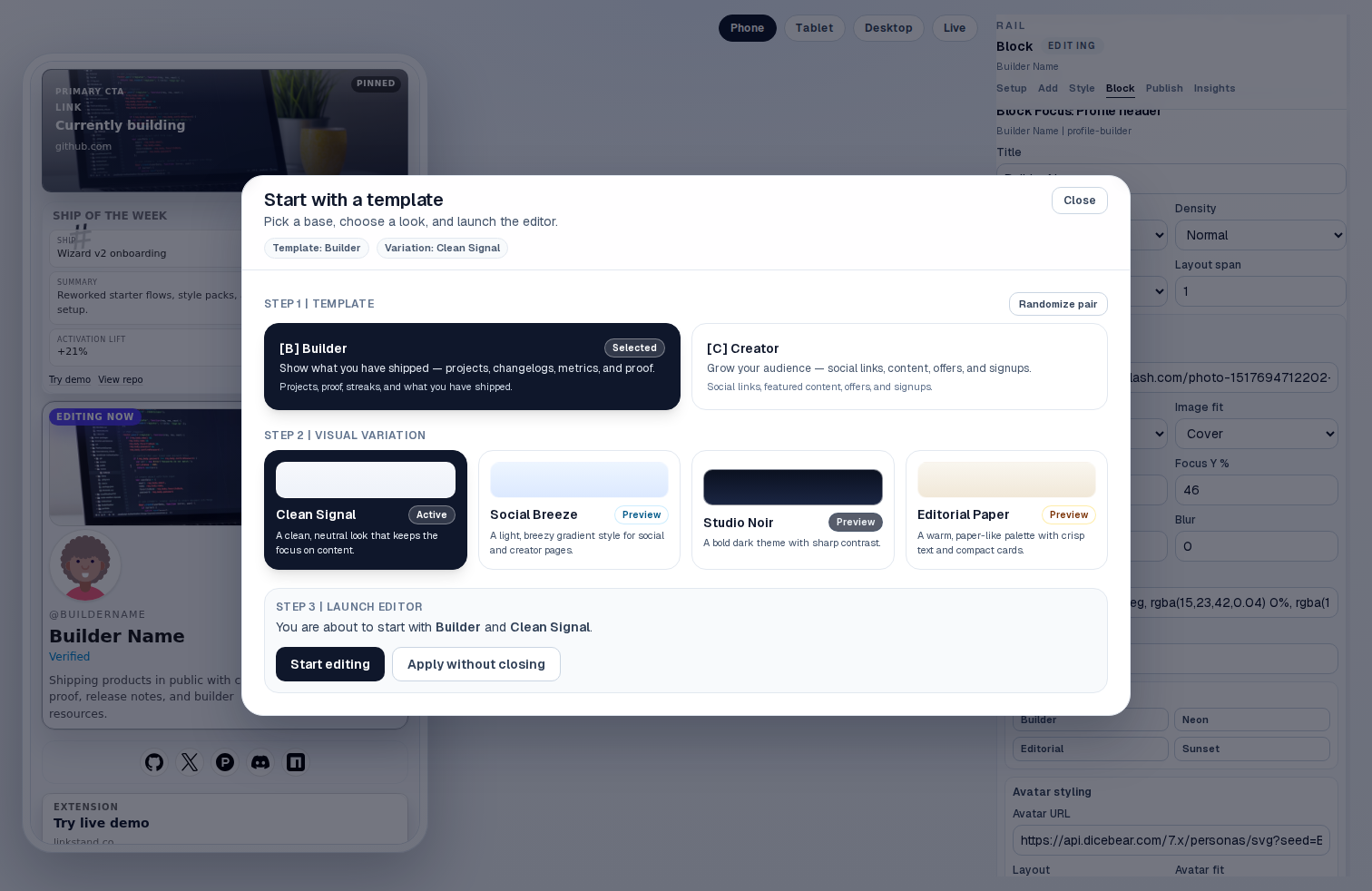
Start with a clear direction
Choose a visual feel and content emphasis before the editor opens, with useful structure already in place.
Turn links, launches, proof, and momentum into a public profile that reads like a living README.
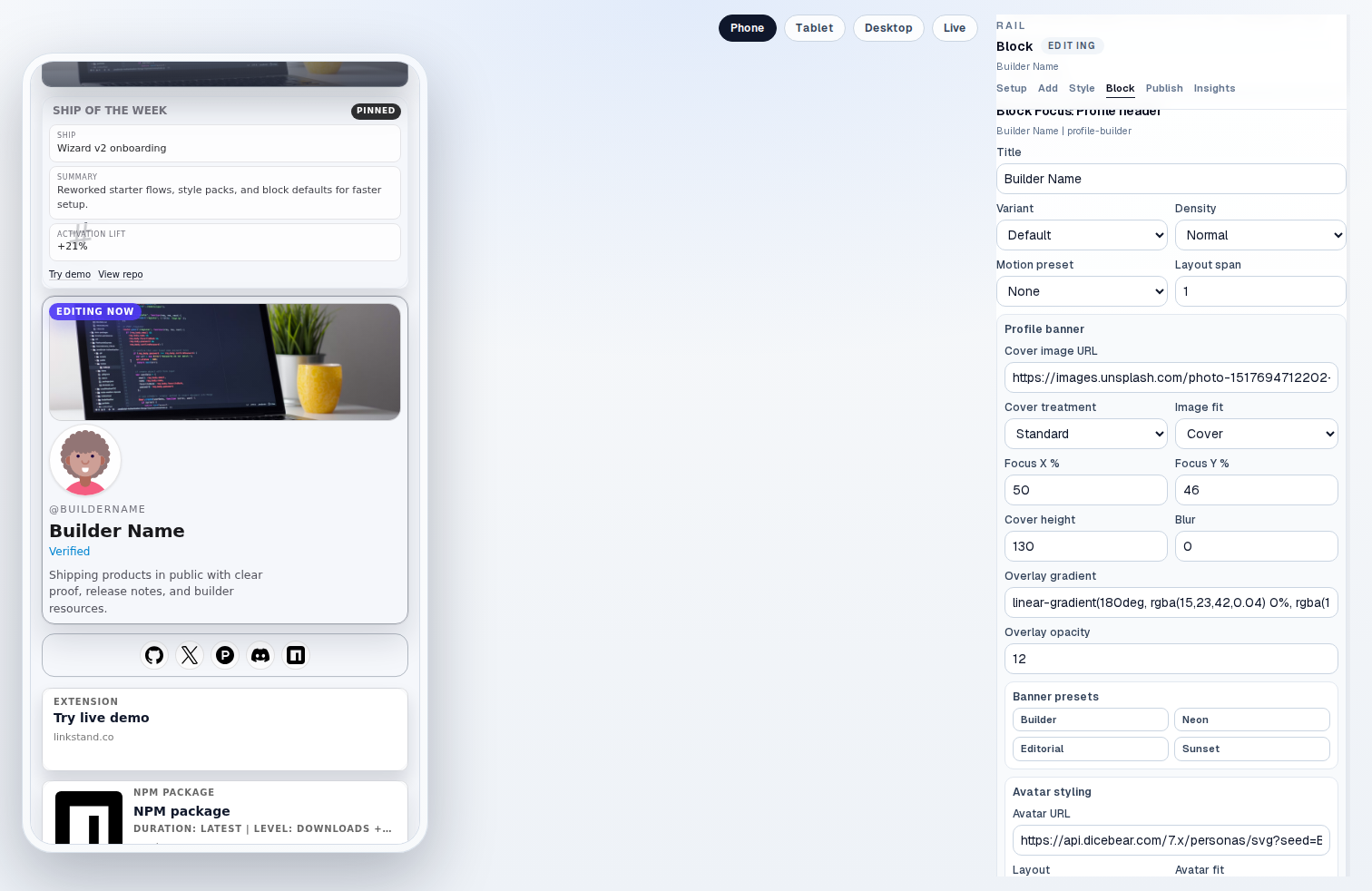
Start with a direction, shape the page in context, and publish when it feels like your work.
Choose a visual feel and content emphasis before the editor opens, with useful structure already in place.
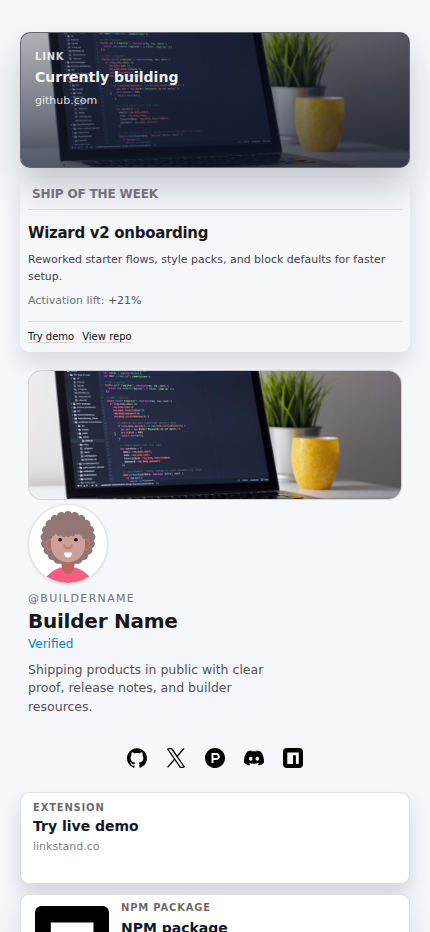
The public result keeps projects, proof, and useful next clicks in a coherent reading order.
Connections help you reuse evidence from the places where projects already live.
ReadmeBio gives the page a clear job: show what you make, support it with proof, and make the next step obvious.
Put launches, projects, and momentum ahead of a generic list of destinations.
Shape content and presentation while keeping the public result in view.
Update one public page as your work changes instead of rebuilding a static bio.
Pro
Pro adds up to 3 custom domains, a 90-day analytics view with CSV export, and stored form responses in an inbox you can review.
Illustrative preview · sample data
alex.example
→ readmebio.app/u/alex
mira.example
→ readmebio.app/u/mira
Pro
Associate up to 3 domains with published profiles and follow the DNS setup needed for activation.
Illustrative preview · sample data
Last 7 days
Pro
Review 90 days of views, clicks, referrers, and top blocks, then export the data as CSV.
Illustrative preview · sample data
Jordan
jordan@example.com
Loved the ship streak block. How do you wire up the GitHub side?
Priya
priya@example.com
Would you be open to a sponsorship for our newsletter?
Pro
Responses from form blocks are stored in a Pro inbox and can be exported as CSV.
The page stays useful after launch because it is designed to be updated, not treated as a finished brochure.
Projects, proof, recaps, and next steps form a clear reading order.
Blocks, themes, type, and layout controls work inside one consistent profile system.
Publish at readmebio.app/u/your-name, then add up to 3 custom domains with Pro.
Ready to publish
Start with a draft, connect the proof that matters, and publish on a clean URL.